NBI Clearance Renewal eGov App: Requirements, Steps & Fees 2026
NBI clearance renewal on the eGov app is a service inside the eGovPH Super App that lets people who already hold an NBI clearance renew it online, without booking an appointment or lining up at an office. It is for existing clearance holders who want a fresh clearance for work, travel or a government transaction. You pay in the app, then either pick up the printed copy at an NBI Clearance Center or have it delivered, and you can view a digital copy in the app.
This website is independent and not affiliated with the NBI, the DICT or the eGovPH Super App.
Note: The NBI and the Department of Information and Communications Technology (DICT) formally launched this feature on July 6, 2026 at the NBI headquarters in Pasay City. It covers renewals only. First-time applicants still have to go through the regular process and visit an NBI office for biometrics. Details like fees and supported payment options can change, so check the app screen before you pay.
Who Can Use NBI Clearance Renewal on the eGov App?
The NBI clearance renewal eGov app service is not open to everyone yet.
You can use it only if all of these are true:
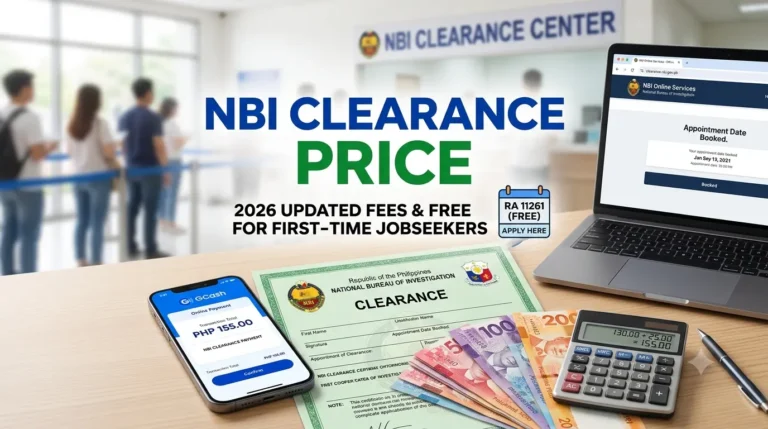
Cost: the standard clearance fee is ₱130. Pick-up adds a ₱30 convenience fee (₱160 total), as reported by Tech Pilipinas and Philstar coverage of the launch, and delivery adds a fee based on your address. See our NBI clearance price page for the fee on the regular portal.
If you have never held a clearance, read the NBI requirements instead.
How Do You Renew Your NBI Clearance on the eGov App?
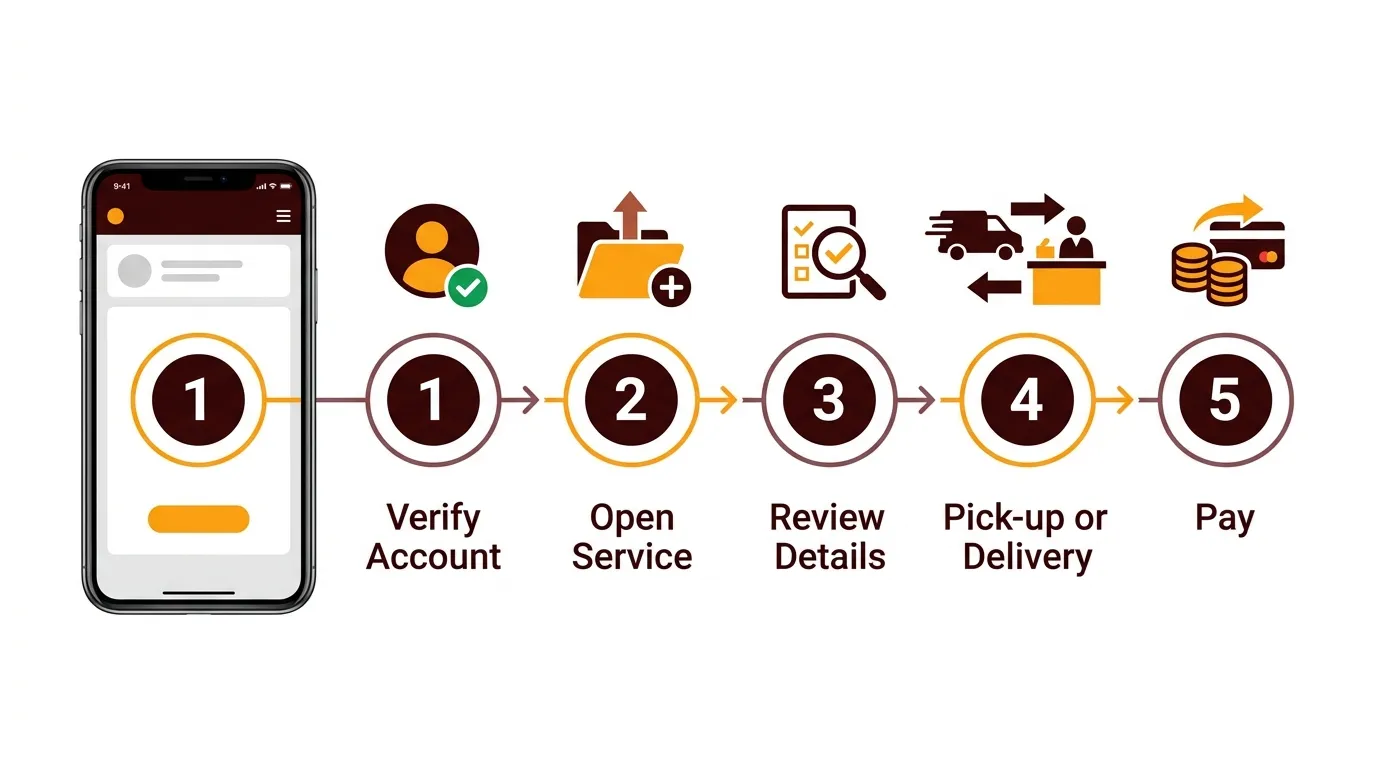
The NBI clearance renewal eGov app flow takes about five minutes if your record is found. Screen names may shift slightly as the app updates, but the order stays the same.
Step 1: Install and Verify Your eGovPH Account
- Download the eGovPH Super App from the Google Play Store or Apple App Store (the publisher is the DICT).
- Register with your mobile number or email.
- Complete identity verification. This usually means a face scan and a photo of a valid government ID.
- Wait for the “verified” status before you try the NBI service.
Warning: Download the app only from the official stores. Never share your OTP, password or ID photos with anyone who offers to “renew for you” through chat or social media.
Verification comes first because the app will not show the NBI option until the account is confirmed.
Step 2: Open the NBI Clearance Service
- Log in to the app.
- Go to the government services section and open National Bureau of Investigation (NBI), then choose NBI clearance.
- Let the app retrieve your previous clearance.
If your record is found, you will see the digital copy of your last clearance, and the app shows whether it is still valid or expired.
Step 3: Review and Update Your Details
- Check your name, birth date and other personal information.
- Fill in anything the app asks for, such as your place of birth.
- Read the summary page slowly.
- Tick the box that certifies your details are correct.
Why this matters: A misspelled name or wrong birth date is the fastest way to trigger a delay or a mismatch with your old record. Fix it here, not after payment.
Step 4: Choose Pick-Up or Delivery
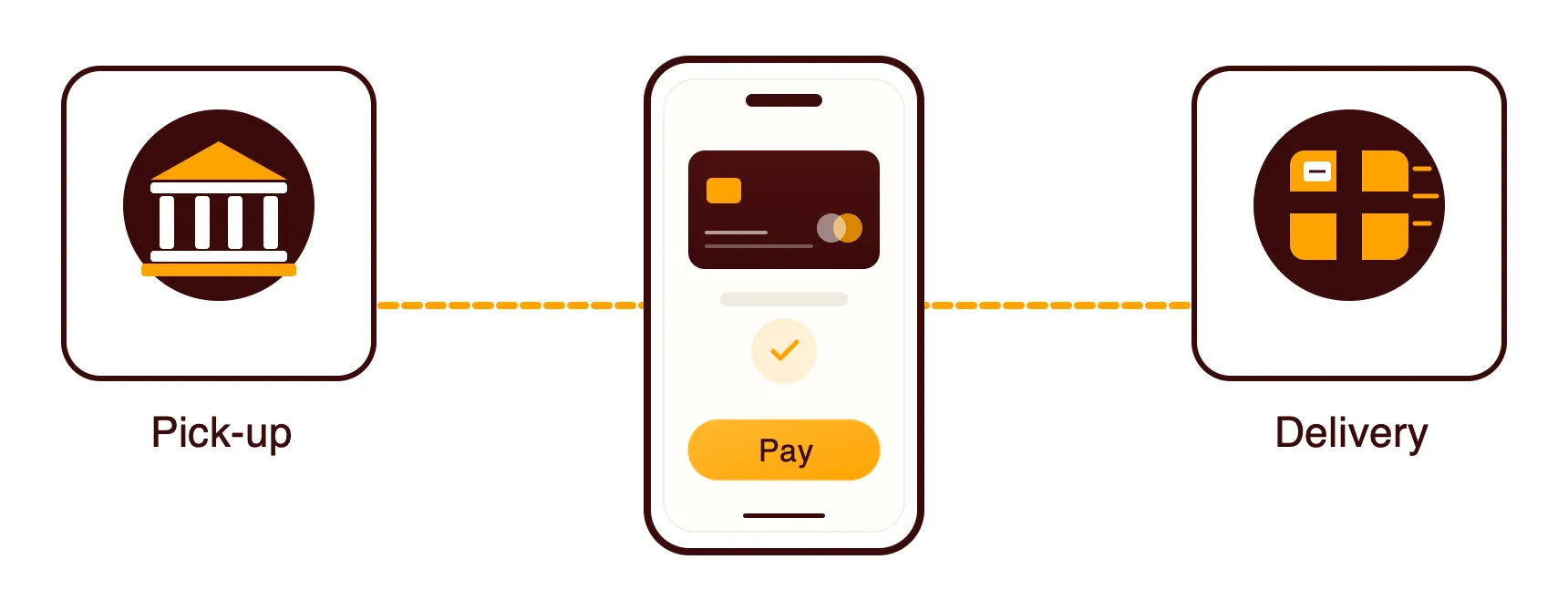
On the NBI clearance renewal eGov app, choose delivery only if your address is complete and someone can receive the parcel, because a missed delivery costs you days.
Step 5: Pay and Save Your Receipt
- Select a payment method and confirm the total shown.
- Complete the payment.
- Screenshot the confirmation and save the reference number.
According to a third-party guide, the app accepts GCash, Maya, online banking, Visa, Mastercard, 7-Eleven, ECPay, ShopeePay and Dragonpay. Only the options shown on your own screen are guaranteed. If you pay over the counter, pick the 7-Eleven option, and for e-wallets see paying NBI with GCash.
Tip: Pay once and wait. Tapping pay repeatedly while a payment is “processing” is how people end up with duplicate transactions.
What Is the Difference Between the eGov App and clearance.nbi.gov.ph?
The eGovPH Super App is a renewal shortcut for people already in the NBI system. The clearance.nbi.gov.ph portal is the original system where everyone starts, including first-timers, and where you book an appointment, pay, and go to a branch for biometrics and photo capture.
Feature | eGovPH Super App | clearance.nbi.gov.ph |
|---|---|---|
Who can use it | Existing clearance holders (renewal only) | Everyone, including first-time applicants |
Account needed | Verified eGovPH account | NBI clearance account (registration) |
Appointment | Not needed in the normal flow | Required, you pick a branch and slot |
Office visit | Only for pick-up, or if flagged | Yes, for biometrics and release |
Digital copy | Viewable in the app | Available after release, per NBI’s process |
Delivery to your door | Available, extra fee by location | Depends on the portal’s current options |
Typical fee | ₱130, plus ₱30 pick-up convenience fee | ₱130 clearance fee plus payment channel charges (see our price page) |
Best for | Quick renewal from your phone | First application, or if the app cannot find your record |
So, the NBI clearance renewal eGov app route is the best method for a routine renewal because you skip the appointment and the queue. The regular portal stays the fallback when your record will not load. Our NBI clearance renewal page walks through the traditional route.
What If the eGov App Does Not Work for You?
Most NBI clearance renewal eGov app problems come from four causes. Here is what to try.
My Previous Clearance Does Not Appear
The App Shows a “HIT” or Asks for a Visit
A hit means your details resemble another person’s record in the NBI database, so it needs extra checking. It does not mean you did something wrong. Read our NBI hit page for what to expect and how long it can take.
My Payment Went Through but Nothing Updated
I Cannot Verify My Account or Get My OTP
For OTP trouble on the NBI portal side, see NBI OTP not received.
Warning: Scammers imitate government apps and offer “fast NBI renewal” for a fee. The only place to pay is inside the official app or the official NBI portal.
How Much Does NBI Clearance Renewal on the eGov App Cost?
Here is what to expect on your bill when you renew:
Item | Amount | Confidence |
|---|---|---|
NBI clearance fee | ₱130 | Matches our price page |
Pick-up convenience fee | ₱30 (₱160 total) | Reported by news outlets, confirm in-app |
Door-to-door delivery | Varies by address | Check in-app |
Payment channel charge | May apply depending on method | Check in-app |
A renewed clearance is generally valid for one year from its issue date, but the receiving office decides what it accepts. See NBI clearance validity for how validity works.
Tips for Renewing Your NBI Clearance on the eGov App
Verify your account early for the NBI clearance renewal eGov app. Do it days before you need the clearance, since identity checks are the slowest step.
Renew before it expires, not after. The app can still show an expired clearance, but starting early avoids missing a job or visa deadline.
Check every detail on the summary. One wrong letter in your name can cause a mismatch with the old record.
Pick delivery only with a full address. Include the barangay, city, landmark and a phone number that will be answered.
Choose pick-up if you are in a hurry. You control when you collect it, and you avoid a courier delay.
Use one payment method and stay put. Do not switch methods mid-payment.
Screenshot everything. Keep the receipt, reference number and the digital copy as proof if something goes wrong.
Update the app. Old versions are a common reason a feature does not appear.
Ask your employer or agency first. Some may still want the printed copy, and reports note it is unclear whether every organization accepts the digital version.
Have a backup plan. If the app cannot find your record, book a regular appointment instead. Check NBI opening hours before you go.
Follow these tips and most NBI clearance renewal eGov app transactions finish in one sitting.
Frequently Asked Questions
Final Thoughts
If you already have a clearance, the NBI clearance renewal eGov app route is the one to use. It cuts out the appointment, the queue and most of the paperwork, and you get a digital copy right away. Verify your account first, check your details, pay once and keep your reference number.
If the NBI clearance renewal eGov app cannot find your record, or you are applying for the first time, use clearance.nbi.gov.ph and book a regular appointment. Start with our NBI clearance renewal page or go back to the homepage for the rest of the process.